Comment on selected text
Keep review notes beside the Markdown while zd-feedback.txt collects paths, line ranges, quotes, and requested changes.
ZenSuite · local Markdown and agent workbench
zd is the Markdown reader and editor at the centre of a calm local workbench. Read the plan, edit it in place, leave precise feedback, and keep the agents, files, and Git work beside it.
Available for macOS and Windows · local by default
The document is the interface
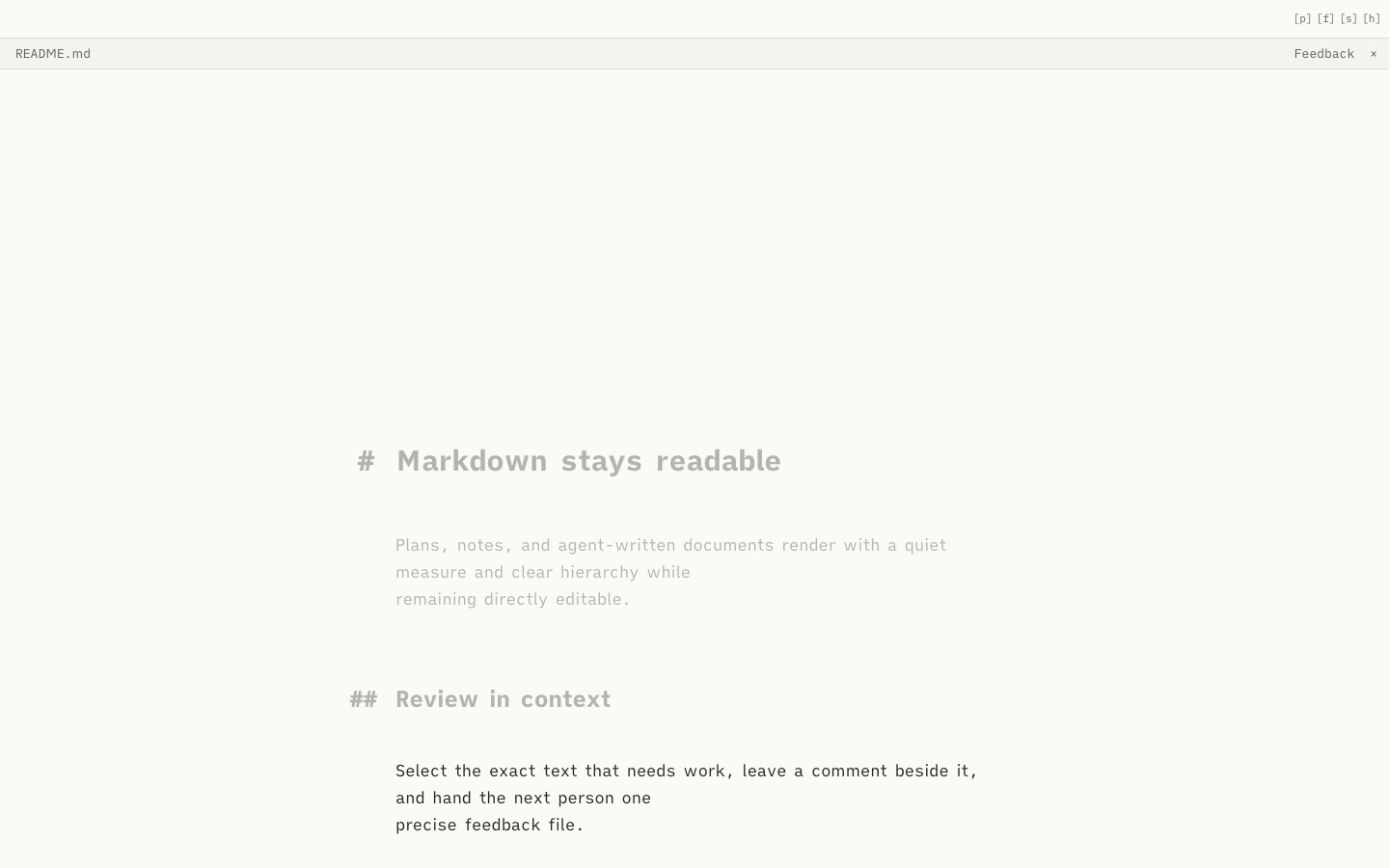
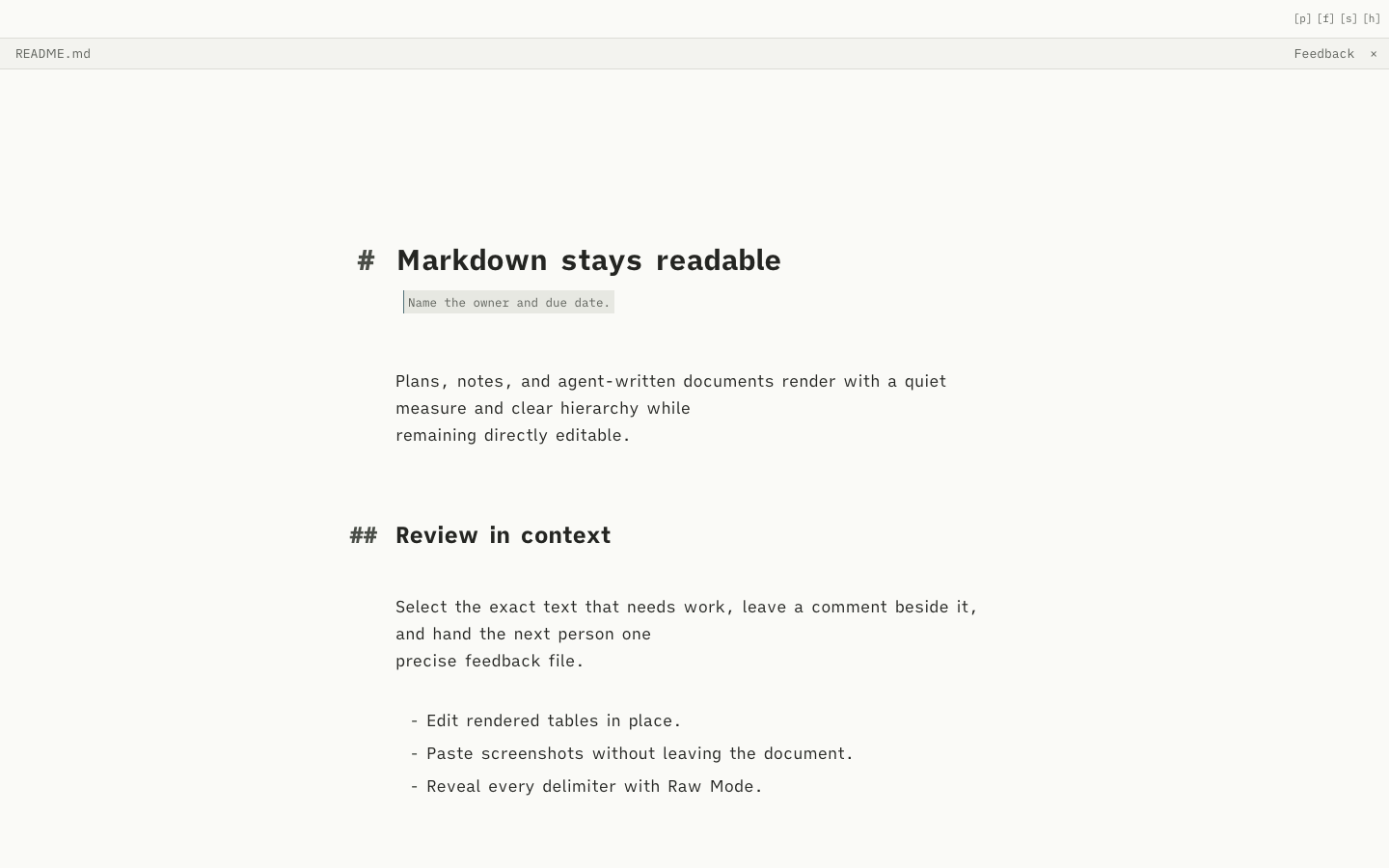
zd-feedback.txt file.Keep review notes beside the Markdown while zd-feedback.txt collects paths, line ranges, quotes, and requested changes.
Paste a clipboard image into Markdown or plain text. zd saves it below docs/screenshots and inserts the relative link.
Use quick shortcuts to change projects, return to a thread, switch to its file, or hide the navigation when the document needs the room.
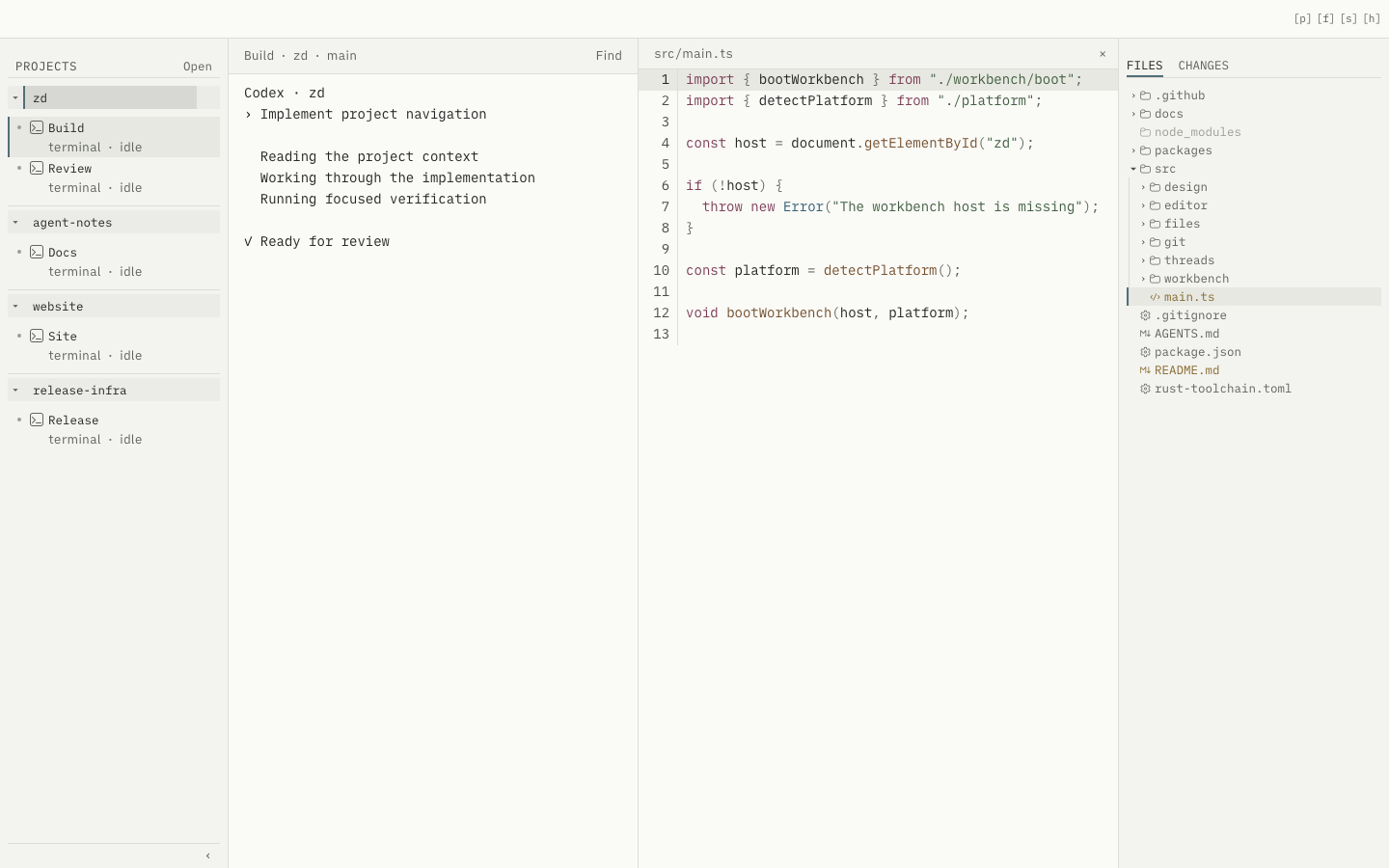
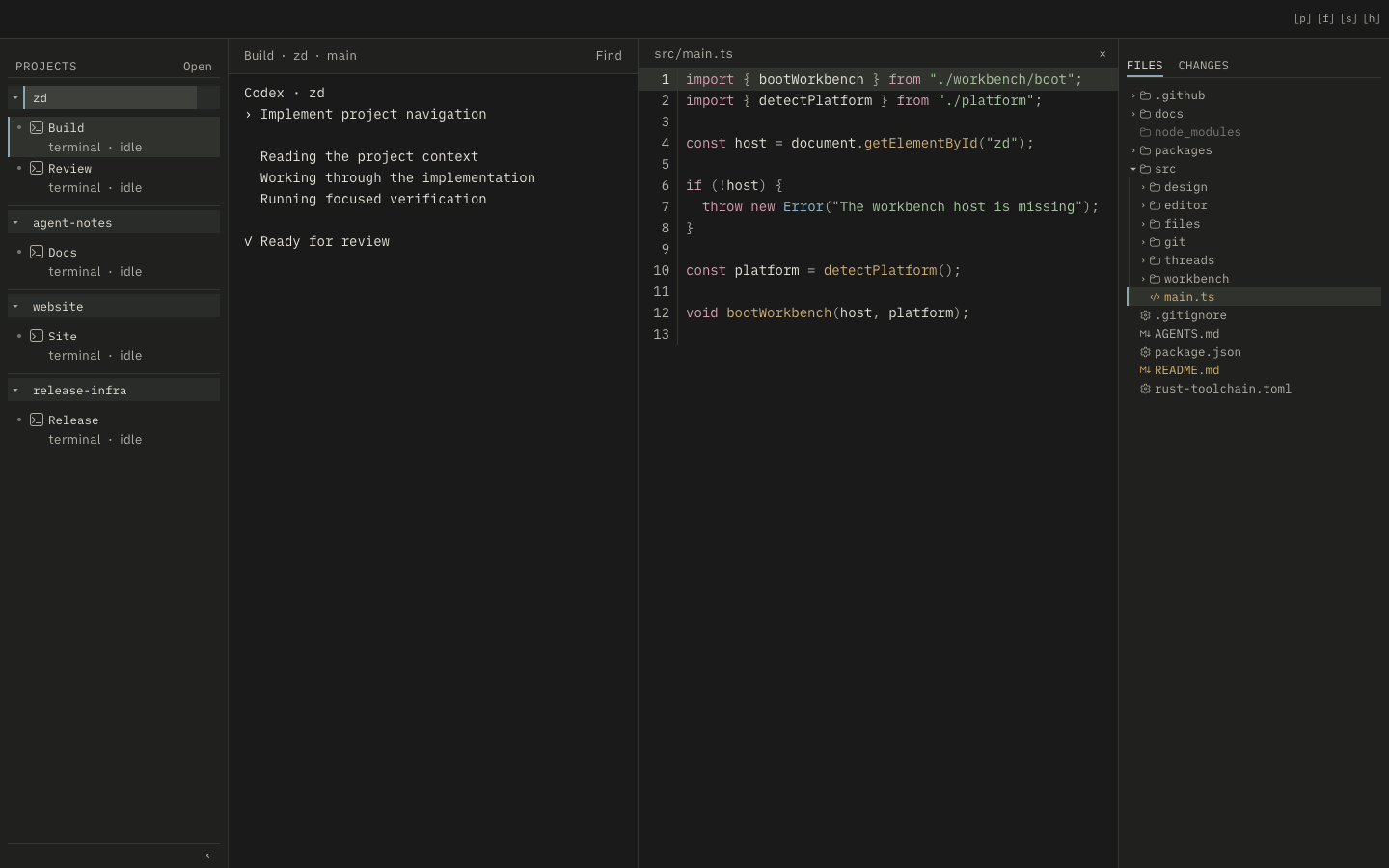
One surface, three themes
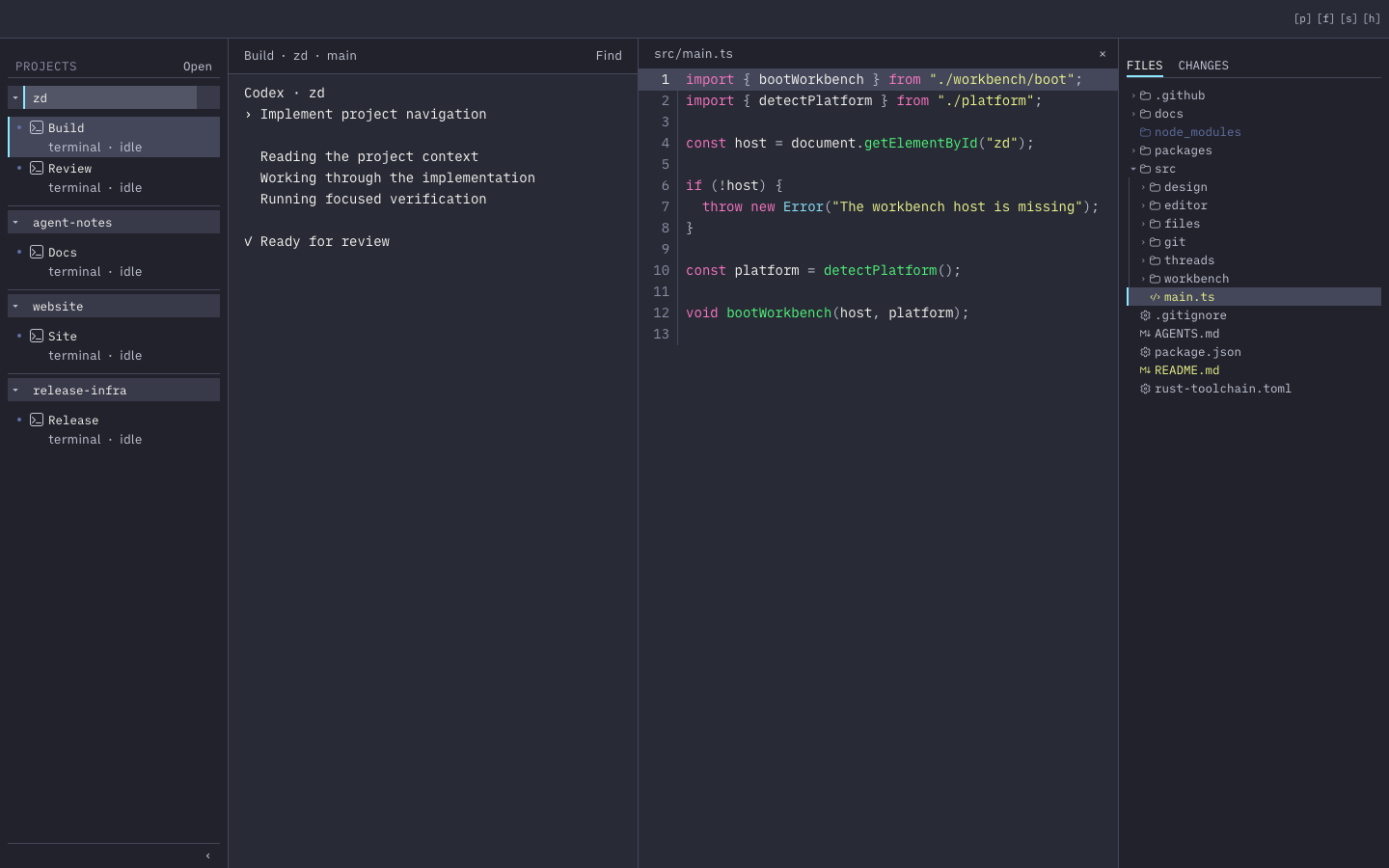
Thread and file context
A thread remembers its project, worktree, and current file. The paired centre layout keeps terminal output beside the selected source while Files and Changes remain on the right.
Manage projects and threads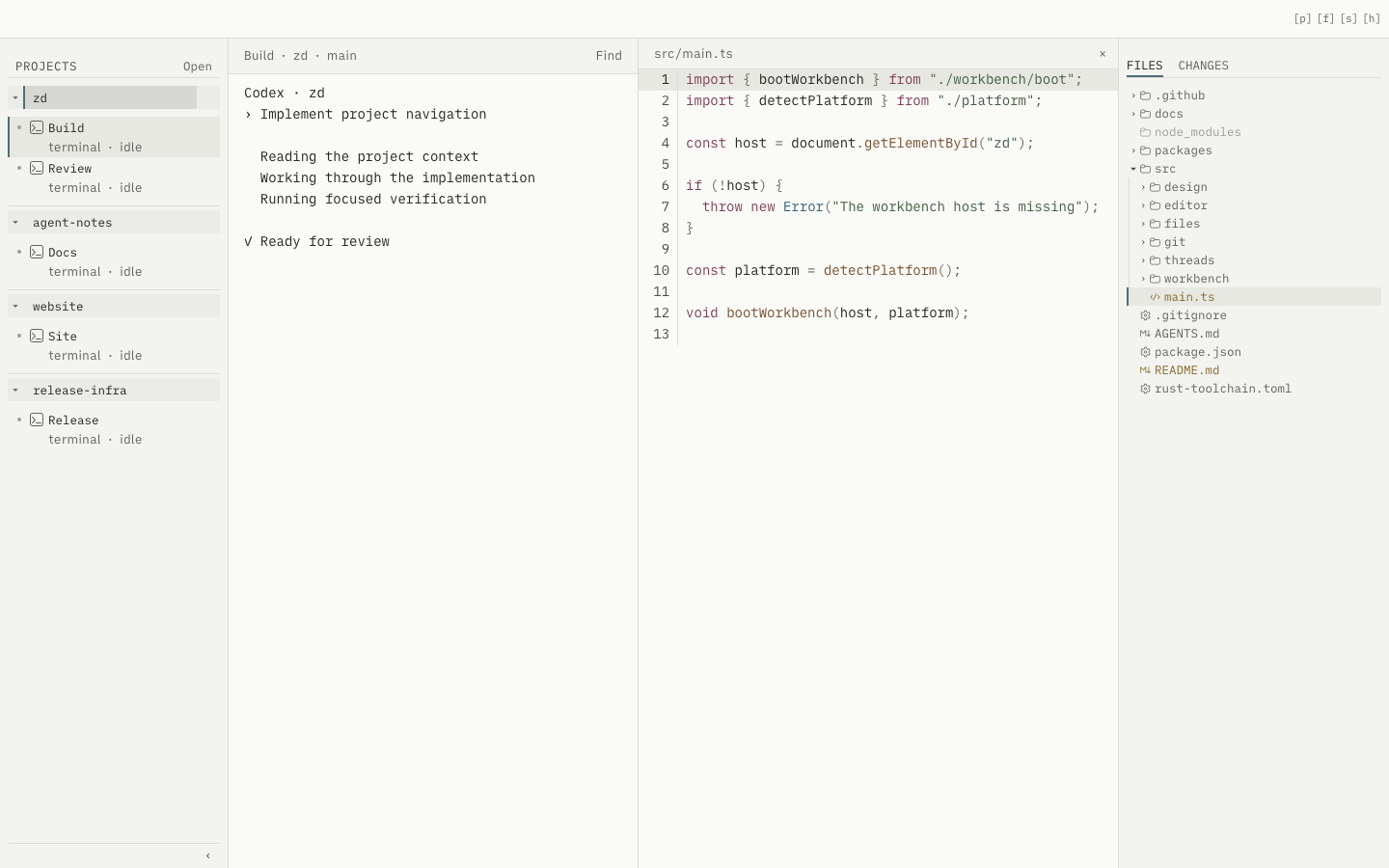
Native authority, narrowly held
Native grants constrain project and worktree access. Terminal sessions start only in an approved scope, Git operations are fixed and read-only, remote images stay blocked, and local diagnostics are opt-in.
Understand the architectureOpinionated on purpose
zd is purposefully minimal and matches how I build: read the document, steer the work, leave exact feedback, and move to the next project without rebuilding context. It is my daily driver. It may not fit everyone, and it is not trying to become a universal IDE.
Read. Edit. Review. Build.